


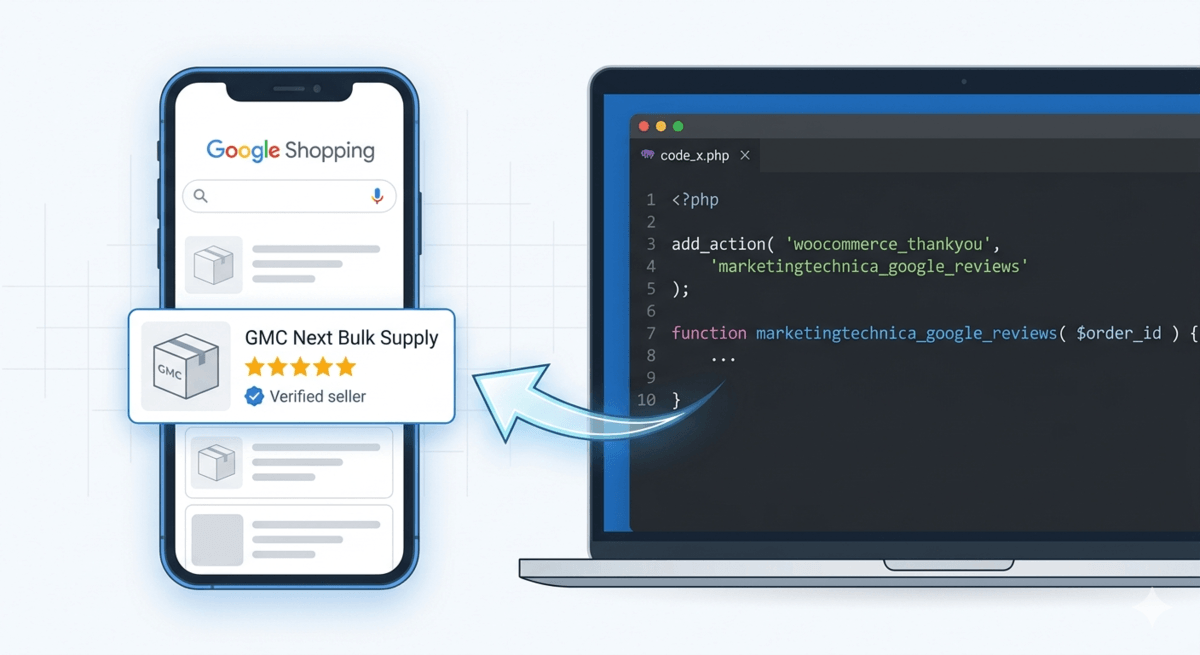

Automating Google Customer Reviews via PHP Hooks
The bridge between a high-bounce product page and a high-converting Shopping ad is often a small row of gold stars. In the modern Google Merchant Center (GMC) Next environment, these “Seller Ratings” are the ultimate social proof. Yet, many technical marketers find themselves trapped in an “Inactive” status loop or over-relying on heavy plugins that don’t integrate cleanly with their delivery logistics.
If you are managing a store with complex logistics—items that aren’t dropped in a mailbox but require freight, scheduled delivery, or local pickup—the standard “off-the-shelf” review request is a liability. Sending a survey request before the customer has seen the product is a guaranteed way to farm 1-star reviews.
By leveraging the woocommerce_thankyou hook, we can build a proprietary “Trust Engine” that is free, automated, and strategically timed.




Why “Native” Google Reviews Trump Third-Party SaaS
For years, the default choice for marketers was to install an expensive middleman app. While these platforms have their place, they create “data silos.” A review left on a proprietary platform has to be “syndicated” to Google, a process that is often slow and prone to technical errors.
Google Customer Reviews (GCR) is a native program. When a customer clicks “Yes” on a GCR opt-in, that data lives within the Google ecosystem. It feeds directly into your Seller Rating, which is the aggregate score that appears on your Search Ads and Shopping listings. Most importantly, it is free. For a scaling e-commerce site, moving away from a $150/month review app to a native PHP implementation is an immediate win for the bottom line.
The Architecture of the woocommerce_thankyou Integration
To implement this, we bypass the heavy plugins and go directly to the theme’s logic. The woocommerce_thankyou hook is the perfect injection point because it only triggers after a successful transaction. This prevents the script from loading on every page, maintaining your site speed and Core Web Vitals.
The technical requirement is to pass specific order data—email, order ID, country, and a calculated delivery date—to Google’s API. By using a PHP strtotime offset (e.g., +5 days), you ensure the survey email hits the inbox after the goods have actually arrived at the customer’s property.
Overcoming the “Inactive” Status in GMC Next
The most common complaint from technical marketers is: “I’ve added the code, but my status is still Inactive.”
GMC Next requires a two-step handshake. First, the program must be enabled in the “Add-ons” or “Growth” section of the Merchant Center. You must sign the Program Agreement and whitelist your Merchant ID. Second, Google requires a minimum threshold of data “pings” before the status flips to “Active.”
Even if your code is perfect, the status won’t update until you have a real flow of transaction data. Testing this with a manual order is the only way to verify the “handshake” is working. Once the first opt-in dialog is rendered on your “Thank You” page, the “Inactive” warning usually vanishes within 48 hours.
Strategic Timing: The Dopamine Window
Marketing is as much about psychology as it is about code. The “Dopamine Window” is the period immediately following the successful delivery of a product. If a customer receives a request for a review while they are still struggling with a tracking number, the sentiment is negative. If they receive it 24 hours after a successful delivery, the sentiment is peak positive.
By hard-coding the delivery offset into your WooCommerce function, you are effectively “scheduling” your reputation growth. You aren’t leaving it to chance or a generic app setting; you are aligning your digital marketing with your physical supply chain.
The Role of Data Integrity and Attribute Rules
While the review script handles the “Trust” pillar, your product data handles the “Conversion” pillar. One of the greatest friction points in GMC Next is the conflict between automated feeds and manual overrides. A clean data flow ensures that the information the customer sees in the Shopping ad matches exactly what they see on the landing page.
When implementing technical marketing features like Unit Pricing (showing the cost per meter or kilo), manual edits in the GMC interface often act as a barrier. For your automation to scale, the data source must be the “single source of truth.”
Conclusion: Owning Your Marketing Stack
Moving away from “black box” plugins and towards custom PHP hooks is a rite of passage for technical marketers. By implementing Google Customer Reviews natively within WooCommerce, you gain lower overhead, higher trust, and better control over the customer journey. As Google continues to prioritize merchant transparency, having a direct line to Google’s review engine is a foundational requirement for any competitive e-commerce store.